How to install Coppermine Photo Gallery
You may have been searching for a tutorial on installing the Coppermine photo gallery. However, this tutorial is more direct and helpful than any other. Many of you may be new to Fantastico and not know its functions properly. Fantastico is an excellent hosting service with a wide range of features and benefits. As a user, you will have access to Fantastico support, an add-on compatible with the Cpanel you are using currently. You will also be allowed to use a script library that will help you install the Coppermine photo gallery automatically. These scripts are indeed a time saver.
Since you are reading this particular tutorial, it is assumed that you know a little about fantastic and its various uses.
1. To begin the process, locate a tab that says Coppermine photo gallery; after that, you will have to click on it.

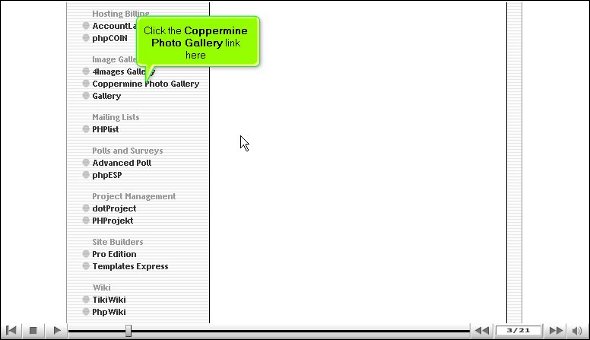
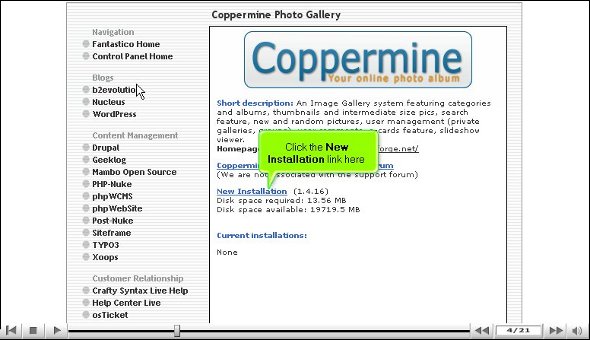
2. You will then be taken to an installation page, where you will notice a tab that says new installation. You must click on that.
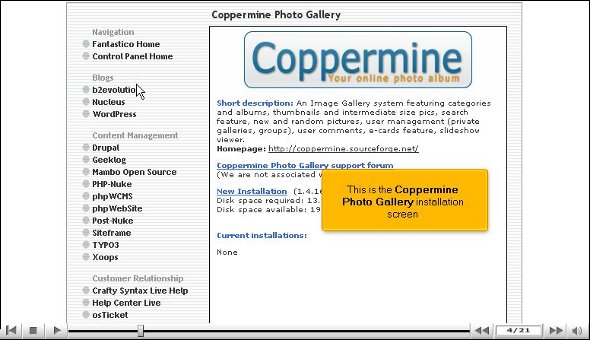
3. After that, you will be directed to a page where specific rules and regulations will be mentioned, and you have to click agree.
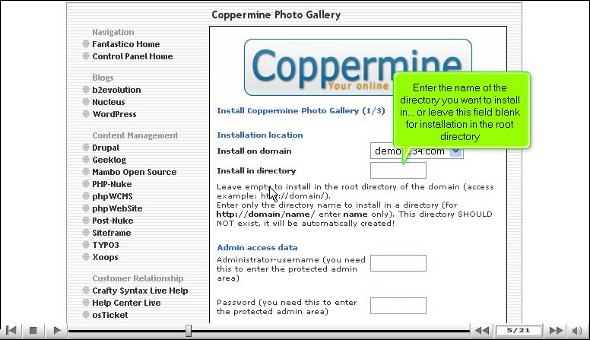
4. On the next page, you must mention the name of a directory where you would like to install the applications. You can also install the application in the central or root directory. You will also have to provide a name for the administrator and mention a password.

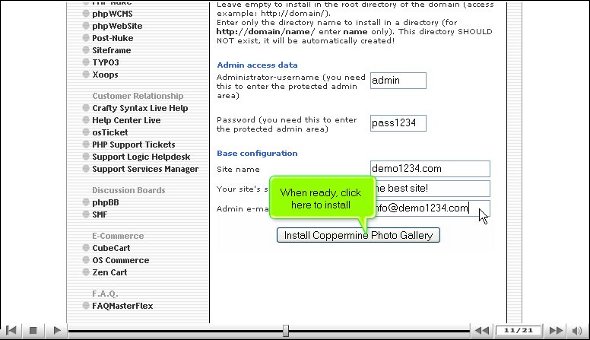
5. You also have to mention another email address
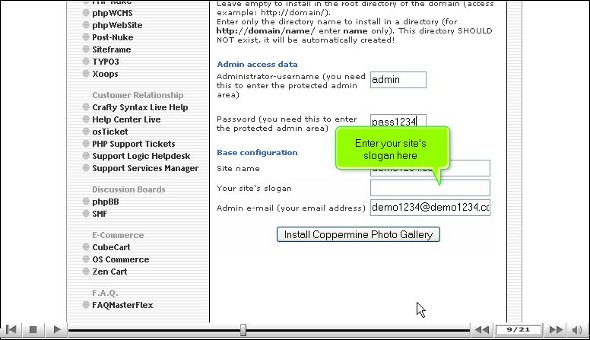
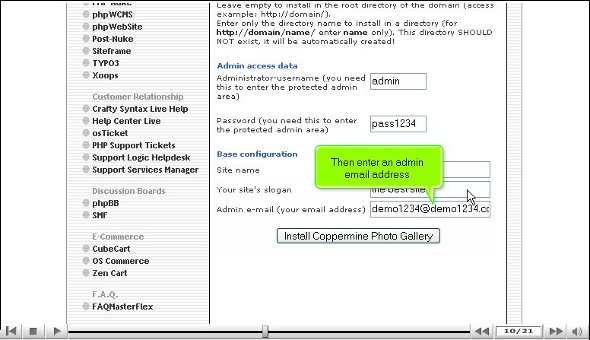
6. After that, you must scroll down and click Install.
7. Then, you will be taken to a page with a tab called finish, and once you click on that, you are pretty much done.
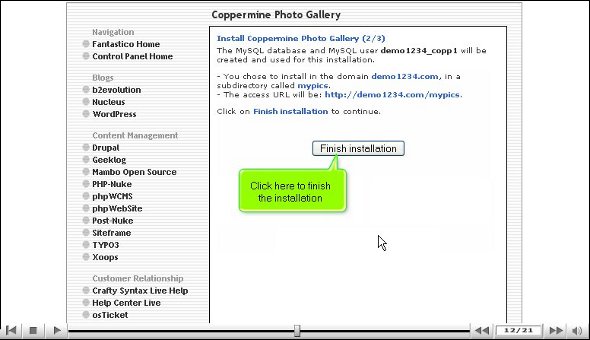
After you manage to go through the steps mentioned above, it implies that the installation is a success. After this, you can tweak the application’s features per your own requirements. Once you are done configuring the application, you can start exploring all the other features and tools that this application has. This tutorial can immensely help if you are new to this application.
As a new user, you sometimes feel frustrated trying to use the features; you can be assured that it is only temporary as you will get used to it soon. However, you must remember that during the learning process, try to pay attention to all things that will come your way, as there is a lot that you can absorb. So try not to rush things, as it will benefit you in the long run. While using this fantastic application, you will also have the chance to use the open-sourced shopping cart and the features related to eCommerce.
So, you must understand every step in the tutorial for installing the Coppermine Photo Gallery.
Go to the top of the page. Back to the tutorial

 Ananova