Share your valuable feedback, comments or suggestions on The Brute Force Attack
The Brute Force Attack

The Brute Force Attacks slow down a WordPress website and make it inaccessible to visitors. The hackers crack the passwords using trial and error techniques and install malware into a server, network or computer system. They use automated software to send massive requests to the target system to gain access to passwords. The software is so sophisticated that the target system cannot identify and block its suspicious activity. They use different IP addresses and locations to launch Brute Force attacks to gain access to website admin users.
The Brute force attack focuses on the more straightforward method to gain access to the site. The program tries usernames and passwords until it gains success.
Dictionary Attack: An attacker tries all dictionary or common words.
Once the admin password is cracked, the hacker can install malware, steal users’ private information, delete the site, install phishing files, and deface the website. Even if hackers cannot gain access, the Brute Force attacks slow down the hosting servers, even crash them.
Protect WordPress Websites from the Brute Force Attacks
- Install Website Application Firewall Plugin: It would filter malicious traffic to access a website. It would also ensure that users use unique, strong passwords for all your accounts.
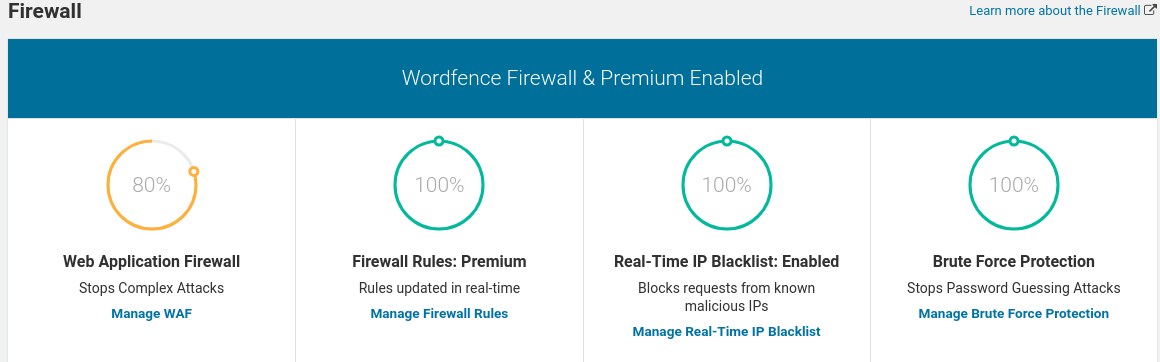
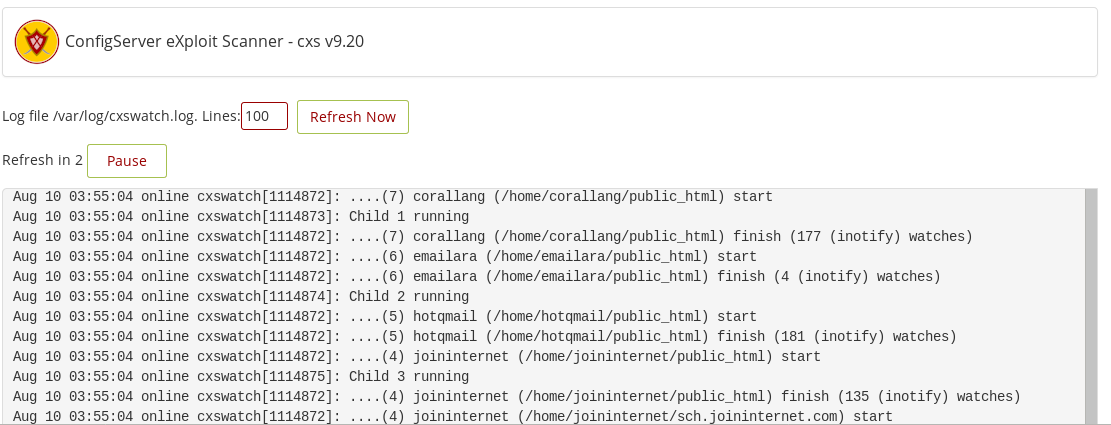
- Sucuri or Config Server Firewall: Only allow legitimate traffic on the server, thus boost the websites speed and performance.
- Update Plugins, themes and WordPress Core to the latest version: It would patch vulnerabilities which hackers target to launch brute force attacks.
- Protect the wp-admin Directory from unauthorized access: Add password protection to the directory from the cPanel Control panel under Directory Privacy in the Files section. It will present a login prompt if anybody tries to visit the folder.
- Two Factor Authentication (2FA): On mobile it sends code and if the same matches while login, only their it allows to enter admin area.
- Disable PHP execution for wp-content->uploads folder
Create a .htaccess file in the folder and put the following content into it.
<Files *.php>
deny from all
</Files>  Change Admin password regularly
You cannot change the admin password cannot like a regular user from the WordPress dashboard. A website owner, through phpMyAdmin for MySQL database, finds the table wp_users, which stores user’s passwords. The select query would list all the users, click on the edit button in front of the administrator user and provide a new password while selecting the function value as MD5. You can make the system more secure by giving another username to the admin. Another method is to create a new user with the name of choice, assign administrator rights and delete the old administrator user.

 Ananova
You must be logged in to post a comment.