How to install Post-Nuke
For those unfamiliar with Post-Nuke, well, it is a beautiful application with many different features and tools that let you do many things. Now, this application is provided by Fantastico, a highly reliable web hosting service provider. Fantastico has been operating for a long time now and provides users with applications that are easy to install and use.
All the applications are highly compatible with CPanel. Fantastico has a good stock of scripts that will let you install any application without problems. Now, in the past, people have complained, saying that they have not been able to install Post-Nuke; that is simply because they have not followed the installation process correctly. For those of you who want to install this application on your computer, this tutorial is just for you.
Below are a series of steps you can follow to install Post-Nuke on your computer.
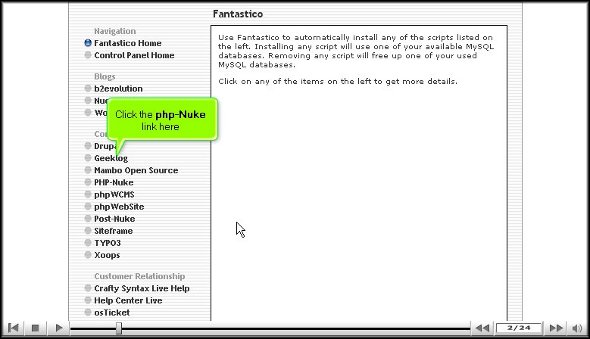
1. When going through the Fantastico interface, you will notice a tab called Post-Nuke.

2. Once you locate this tab, click on it.

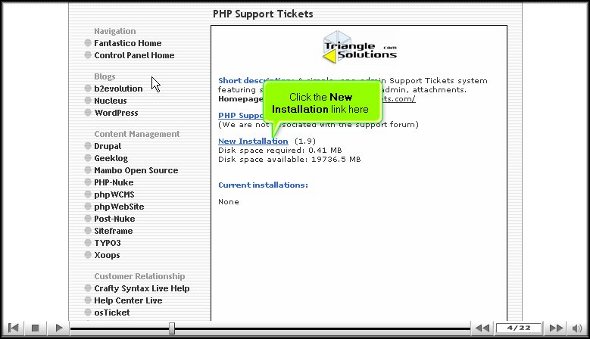
3. After you have clicked on the tab, you will be taken to an installation screen where you have to click on a new installation link.
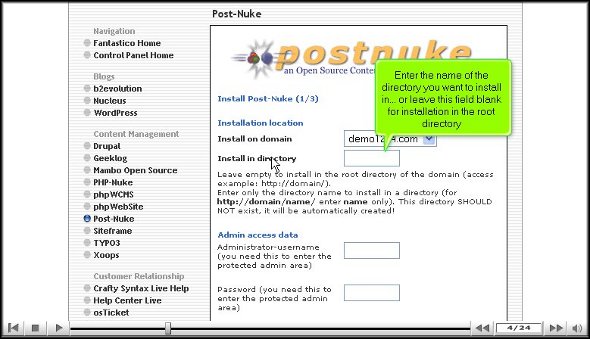
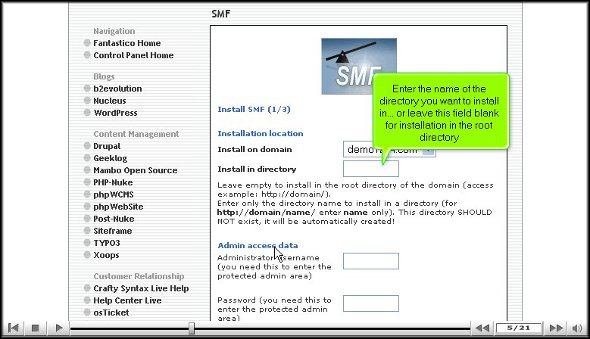
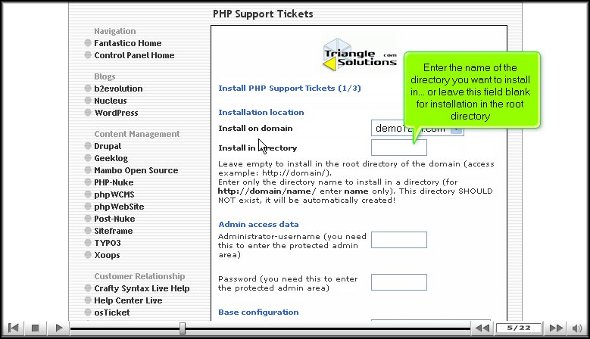
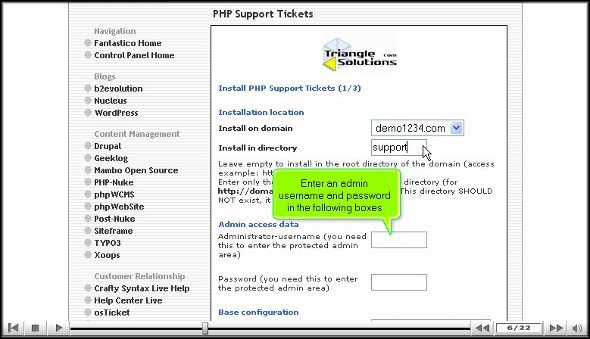
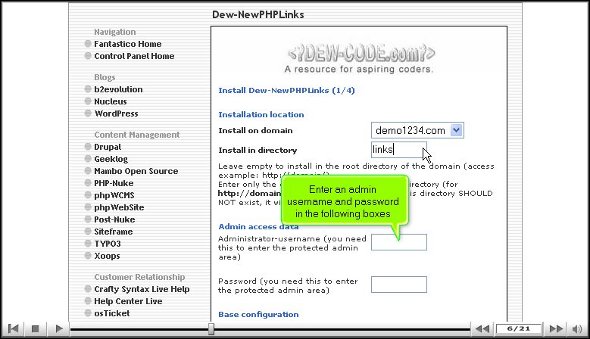
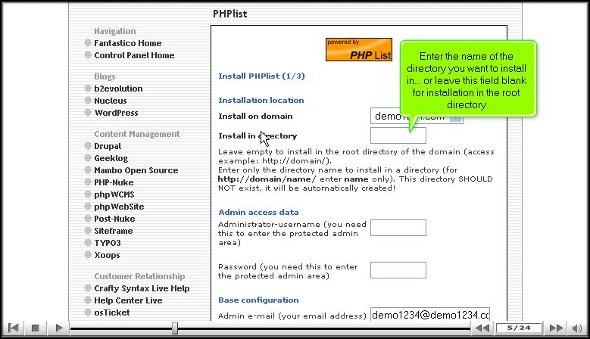
4. After you have finished the above step, you will be taken to yet another screen. You must mention the directory where you want to install the application on this screen. You also have the choice of installing the application in the root directory.

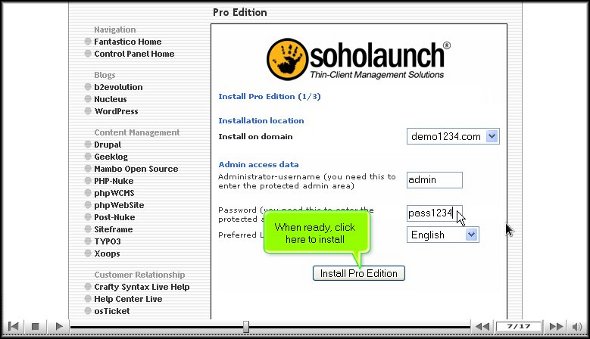
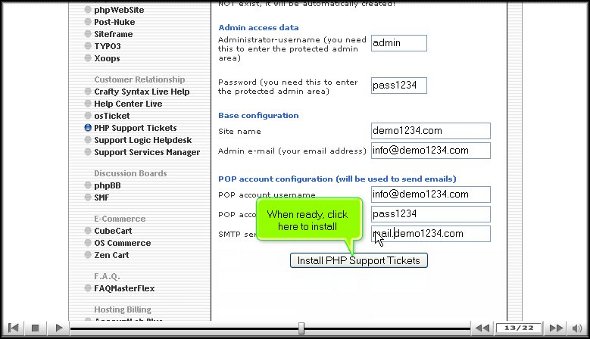
5. On the same screen, you must provide a username for the admin and password.

6. To begin the installation, you need to click on Install Post-Nuke.

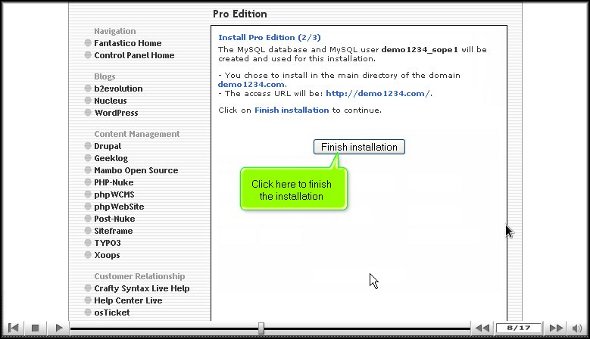
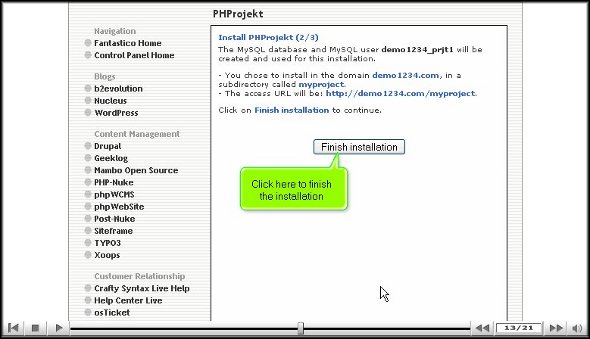
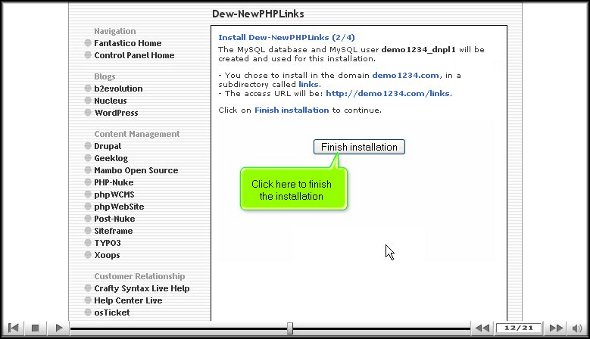
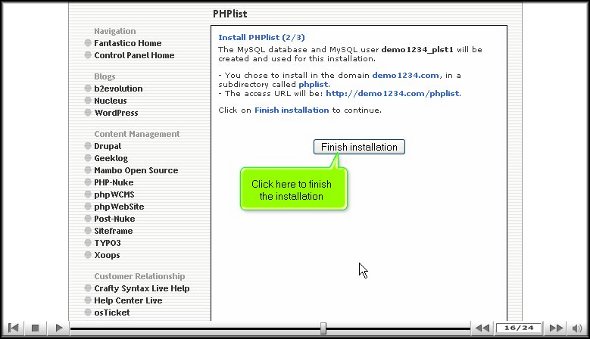
7. To finish the installation process, click on finish.

That brings us to the end of the tutorial on how to install Post-Nuke. If you have followed the steps mentioned above very carefully, you have successfully installed the application. You can now review the application interface and check the various tools and features. You can do plenty with this application, so spend time learning how to use it. Do not rush the learning process, as you may miss out on some of the most critical aspects of the application.
As a new user, you may have some difficulties using the application, but it is best to keep a cool head and stay relaxed, as things will eventually go your way once you get accustomed to it.
Once you are confident about the application, you can begin configuring the features per your requirements. Post-Nuke is indeed a handy application. So, to get the best out of the application, you must install it properly. Take the time and go through all the steps mentioned in the tutorial, and you will have no trouble installing this fantastic application.
| Go to the top of the page. | Back to tutorial |
| Select the best Web Hosting Provider. | |






















 Ananova
You must be logged in to post a comment.